User Guide
Batch Runs
Initiating a Batch Analysis
If a user has a folder of images with a single repeating target, such as an object-level target, Deltachrome can analyze the folder as a Batch. From the Run Library screen, a Batch Run is initiated by choosing Batch Analysis instead of New Analysis. From here, the user selects the folder on their system that they want to analyze. Upon opening, the Placement screen displays the first image in the Batch, prompting the user to identify and place the target. This target identification works exactly like the Placement screen of a regular Run and helps the Batch Run know where to search in subsequent images.
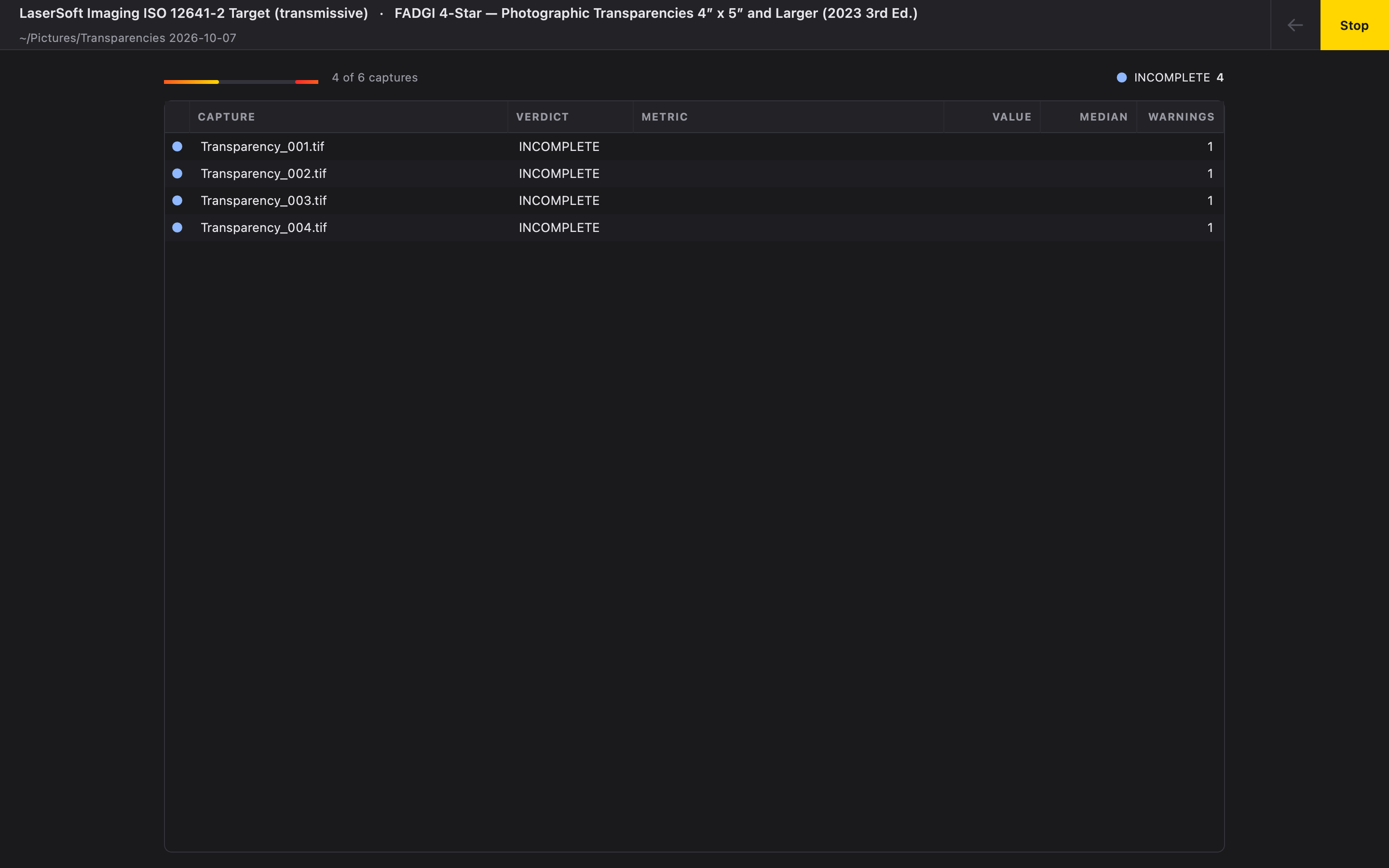
When the Run button is selected, the user will be brought to a progress screen showing the completion of each image in the Batch as it occurs. The analysis verdict for each image will appear as a table and also includes other notable metrics if they deviate significantly from the batch median.
Batch Runs are automatically saved in the Run Library. Choosing Open in Library will bring the user back to the Run Library and allow the user to load the analysis for any image therein.